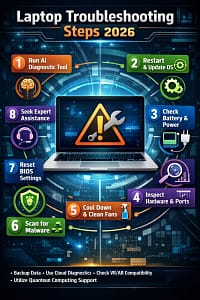
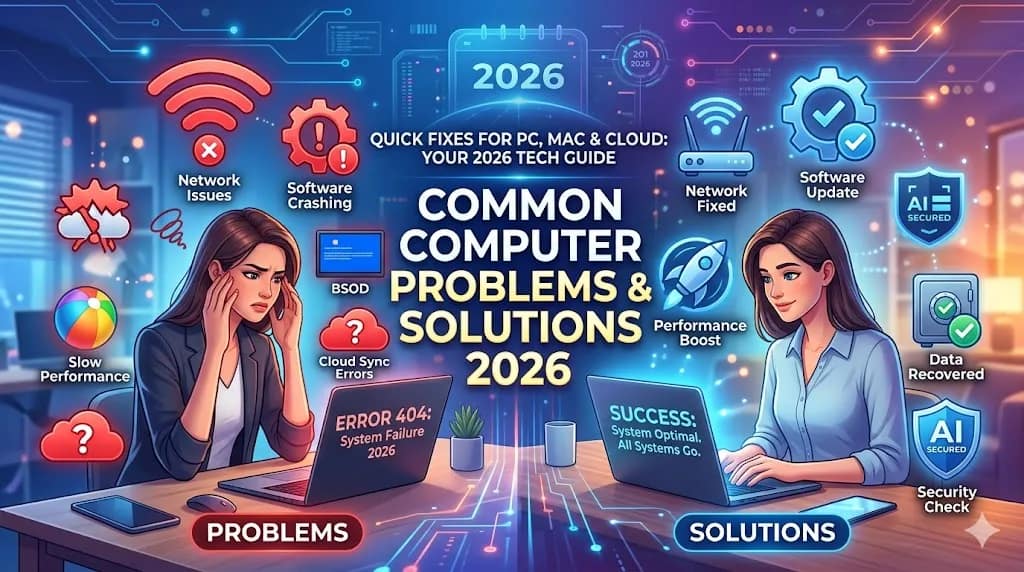
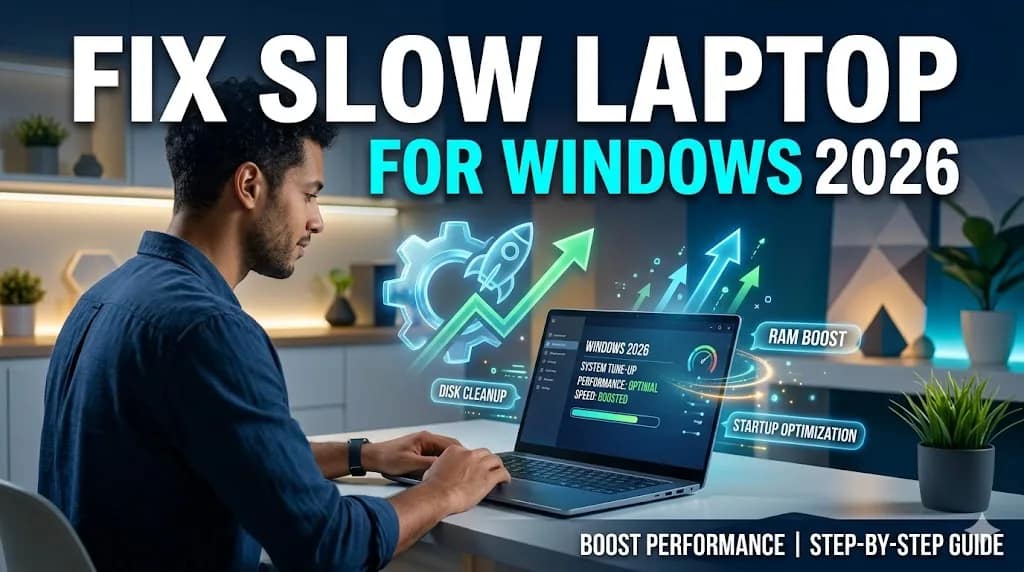
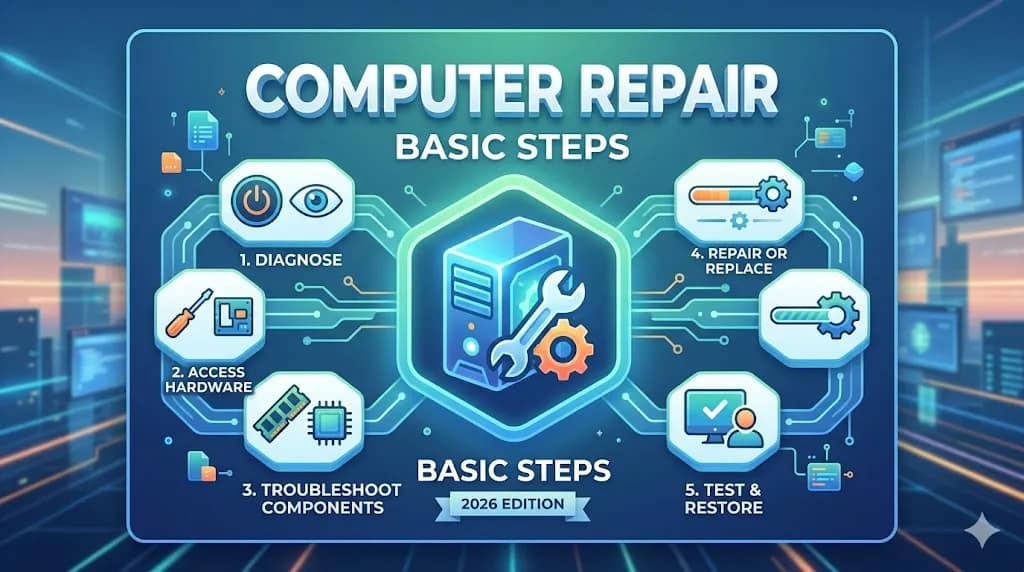
Laptop troubleshooting steps 2026Laptops have become an essential part of our daily lives in 2026, whether for work, education, or entertainment. However, like any electronic device, laptops can face various issues such as slow performance, boot errors, overheating, and connectivity problems.
This guide provides complete laptop troubleshooting steps that are easy to follow for beginners and useful for professionals as well. If you are facing any problem with your laptop, this article will help you fix it step by step.
Why Laptop Troubleshooting is Important
Laptop troubleshooting steps 2026
Laptop troubleshooting steps 2026
Regular troubleshooting helps:
Improve laptop performance
Increase lifespan of the device
Avoid costly repairs
Keep your data safe
Enhance productivity
Basic Laptop Troubleshooting Steps
Laptop troubleshooting steps 2026
1. Restart Your Laptop
The simplest and most effective step is restarting your laptop.
Clears temporary memory (RAM)
Fixes minor software glitches
Refreshes system processes
👉 Always try restarting before doing anything complex.
Laptop troubleshooting in 2026 is easier than ever if you follow the correct steps. From basic fixes like restarting your laptop to advanced solutions like resetting the system, this guide covers everything you need.
By applying these troubleshooting methods, you can solve most laptop problems without visiting a technician and save both time and money.